stars - HeraQ

The open source
Next Generation database editor

Powerful, open-source database editor that generates intelligent queries and schemas.

Web Version Available
Modern & Intuitive Database Editor
One-Click Schema & Table Builder
Open Source & Developer Friendly
Editor preview
Features

Everything you need
to manage your database

Discover the core tools that make Orca-q a simple yet powerful database editor for developers and teams.

01

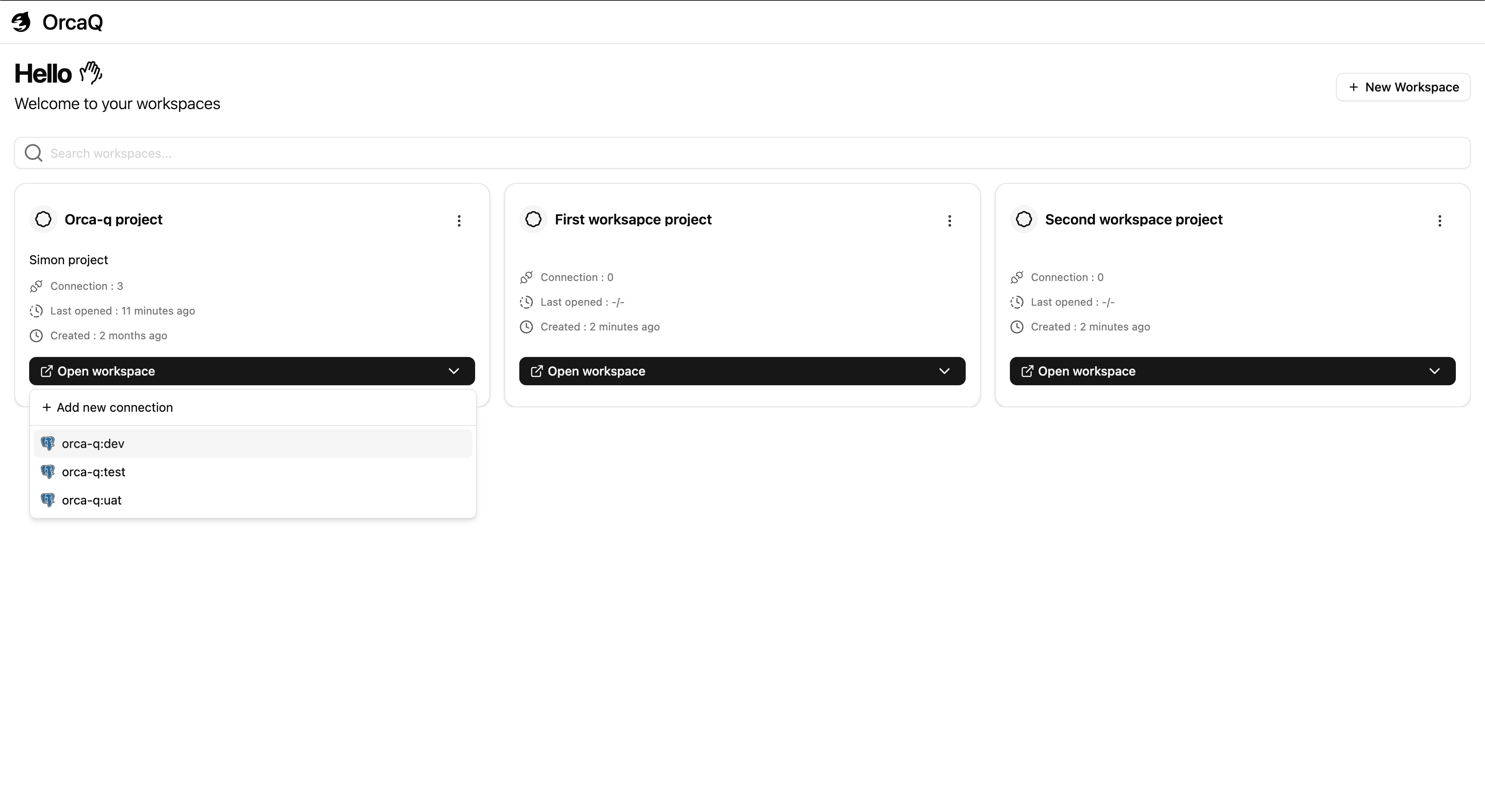
Workspace-Based Management

Organize your projects with ease. Each workspace can hold multiple database connections, helping you keep environments and projects neatly separated.

Workspace-Based Management preview
02

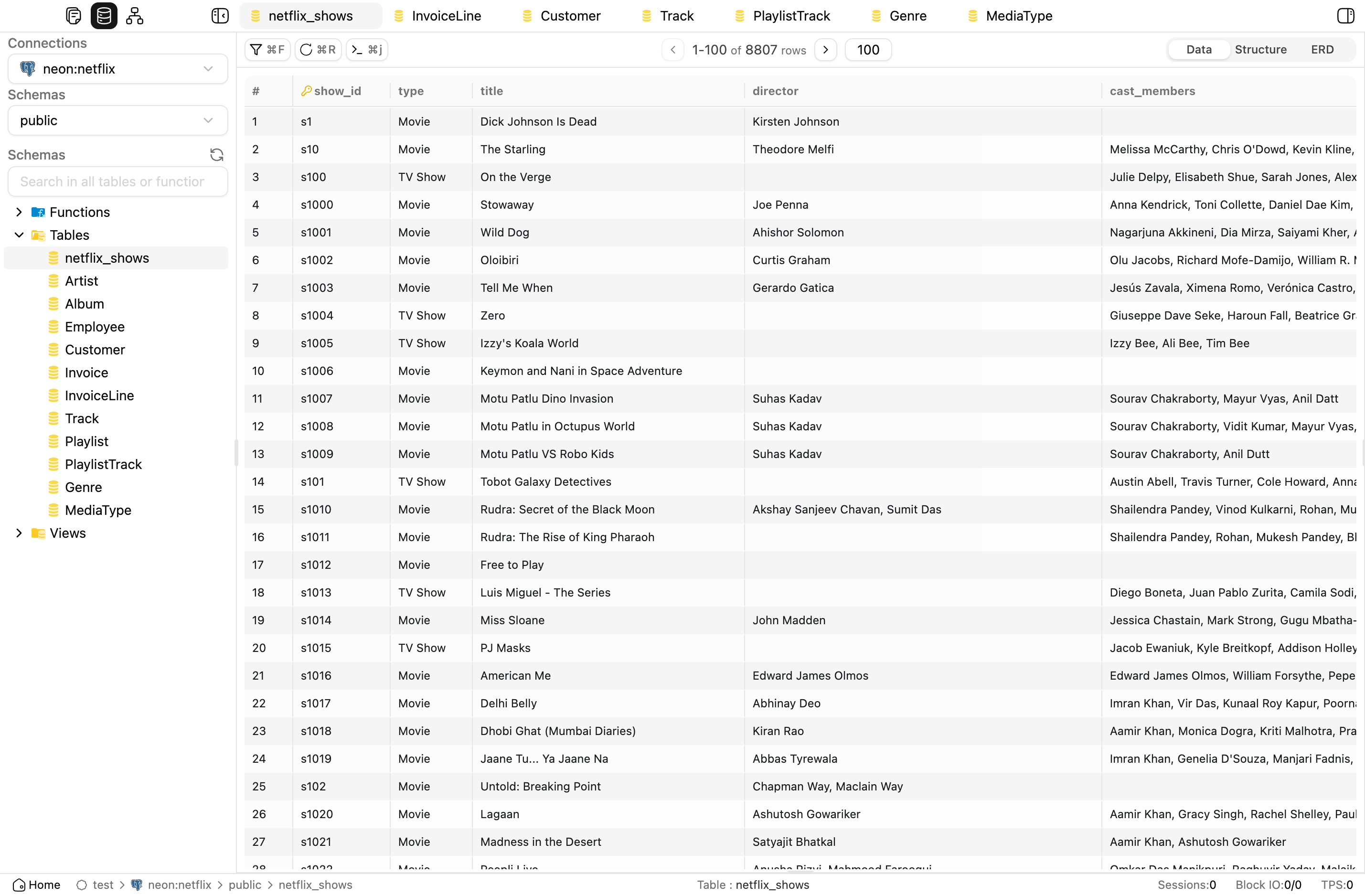
Simple Query

Interact with your tables through an intuitive UI. Browse, filter, and edit data directly without needing to write SQL, designed for smooth and user-friendly workflows.

Simple Query preview
03

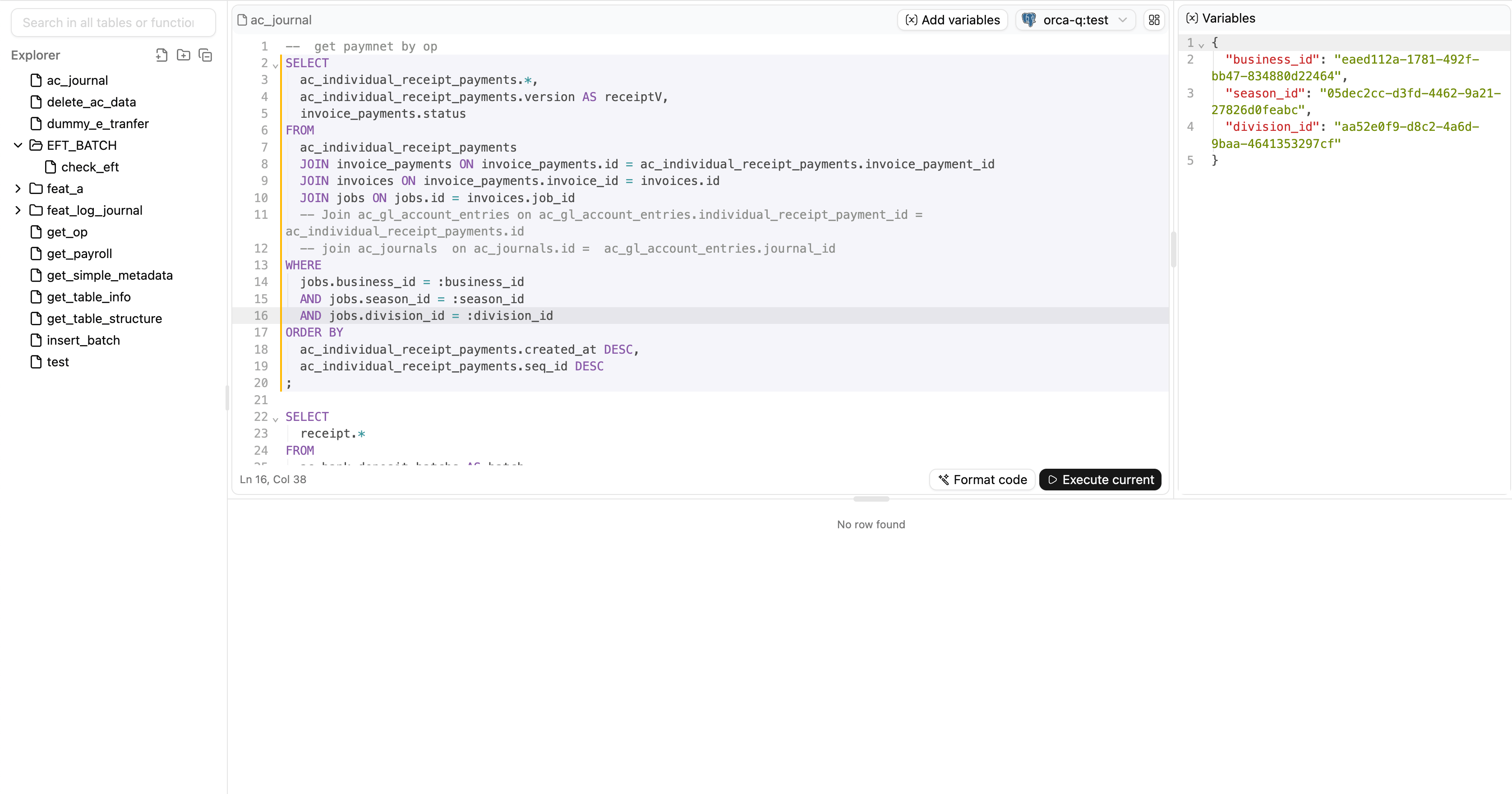
Raw Query with Variables

For power users who love SQL. Write raw queries and insert variables on the fly, giving you flexibility and full control when working with complex data.

Raw Query with Variables preview
04

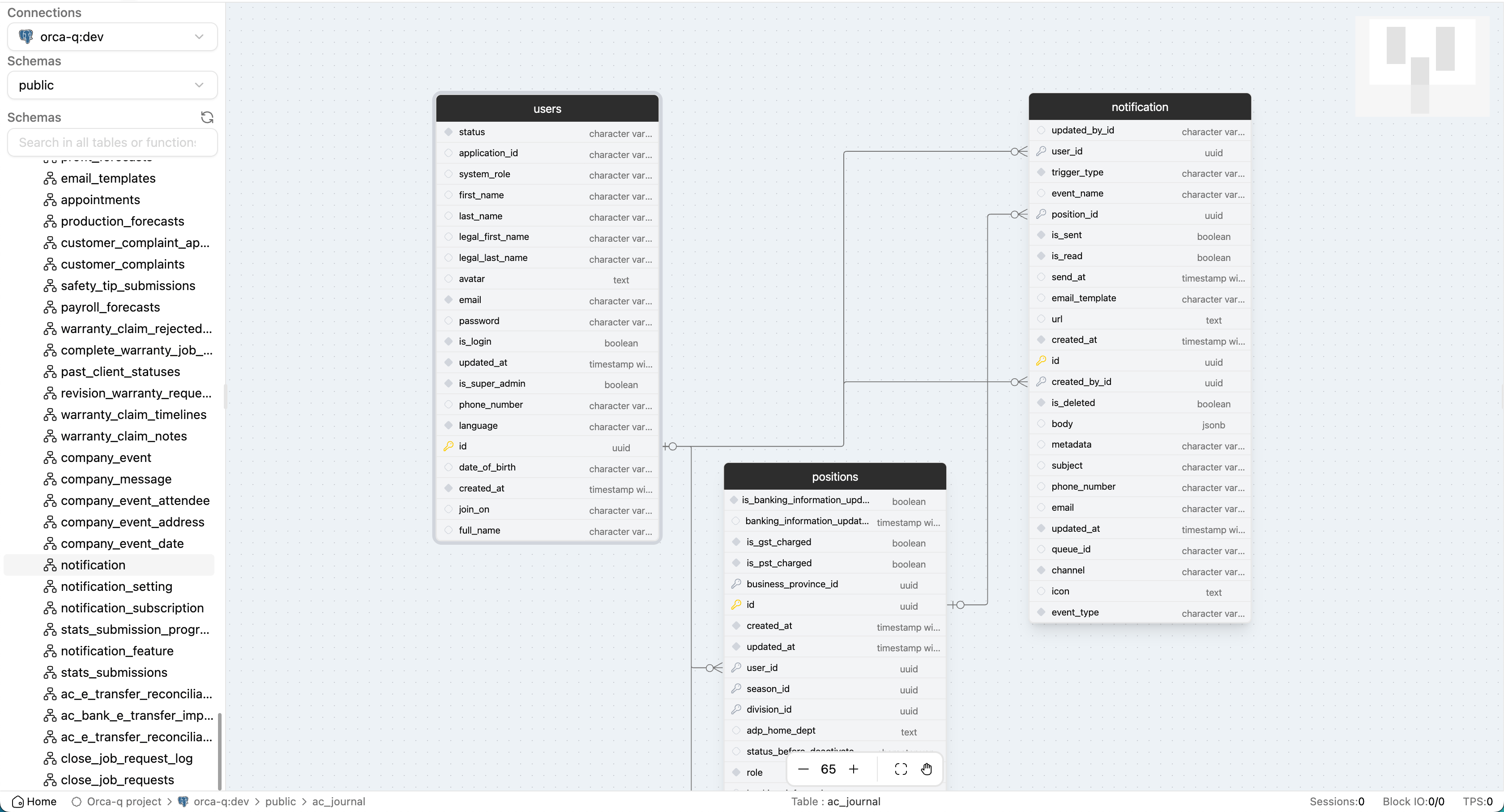
ERD Made Simple

Visualize your database instantly. Generate a clear and powerful Entity Relationship Diagram (ERD) to understand and design your schema structure with ease.

ERD Made Simple preview
Get Started

Quick Setup

Choose your preferred way to get started with Orca-q

Open in Browser

Start instantly without any installation. Access Orca-q directly from your browser and connect to your databases right away.

Run with NPX

Run locally with a single command. No global installation required - just run and start managing your databases.

npx orcaq

Use Docker

Deploy with Docker for isolated, reproducible environments. Perfect for teams and production setups.

docker run -p 3000:3000 cinny09/orca-q

Frequently Asked Questions

Everything you need to know about Orca-q and how it can transform your development workflow

What is Orca-q and who is it for?
Orca-q is an open-source database editor designed for developers, data analysts, and teams who want a simple but powerful tool for managing databases. It's suitable for both individual developers and small teams who need a friendly UI for queries and schema management.
What can I do with Orca-q?
You can explore your database structure, generate queries with a friendly UI, build and edit schemas quickly, and manage multiple connections. It helps simplify daily database tasks without requiring deep SQL knowledge.
Can I use Orca-q with my existing databases?
Yes. Orca-q supports popular databases like PostgreSQL and MySQL. You can connect using your existing credentials and start exploring tables, schemas, and queries right away.
What's included in the free version?
The free version includes unlimited database connections, schema browsing, query generation, and data export/import features. It's fully open-source, so you can use it without restrictions.
Do I need to install Orca-q?
You can use Orca-q directly in your browser with the web version, or install the desktop app for Windows and macOS if you prefer a local setup.
Is my data secure with Orca-q?
Yes. Orca-q connects directly from your device to your database — your data is never sent to external servers. If you use the desktop app, everything runs locally on your computer.